In today's fast-paced digital world, QR codes have become indispensable tools for businesses and individuals alike. From sharing contact details instantly to linking customers to websites or Wi‑Fi access without typing long strings of text, QR codes simplify the way we connect and share information. If you're searching for a QR code generator that's easy, efficient, and completely free, PrimeNotepad's QR Code Generator offers one of the best solutions available online.
What Is a QR Code Generator?
A QR code generator is an online tool that converts text, URLs, contact details, or other data
into a two-dimensional barcode that can be scanned by any smartphone camera. These codes
are widely used in marketing materials, business cards, product packaging, event tickets, and
even classroom handouts. When someone scans your QR code, their device instantly reads the
embedded information, eliminating the need for manual typing. PrimeNotepad
Unlike complex graphic design or coding tools, a QR code generator online
is straightforward — all you need is your data and a few clicks to create a scannable QR code
that works across devices.
Why Choose a Free QR Code Generator?
While many QR code tools exist, not all offer the freedom and versatility users need. A free QR
code generator like the one offered on PrimeNotepad stands out for several reasons:
PrimeNotepad
- No installation required — Works directly from your web browser without downloading software.
- Unlimited codes — Generate as many QR codes as you like without restrictions or hidden fees.
- User-friendly interface — Simple forms and clear instructions make it perfect for beginners and professionals alike.
- Customizable options — Choose size, format (PNG/JPEG), and other settings to meet your needs.
With these advantages, your QR code generator free experience becomes smooth, fast, and accessible from any device.
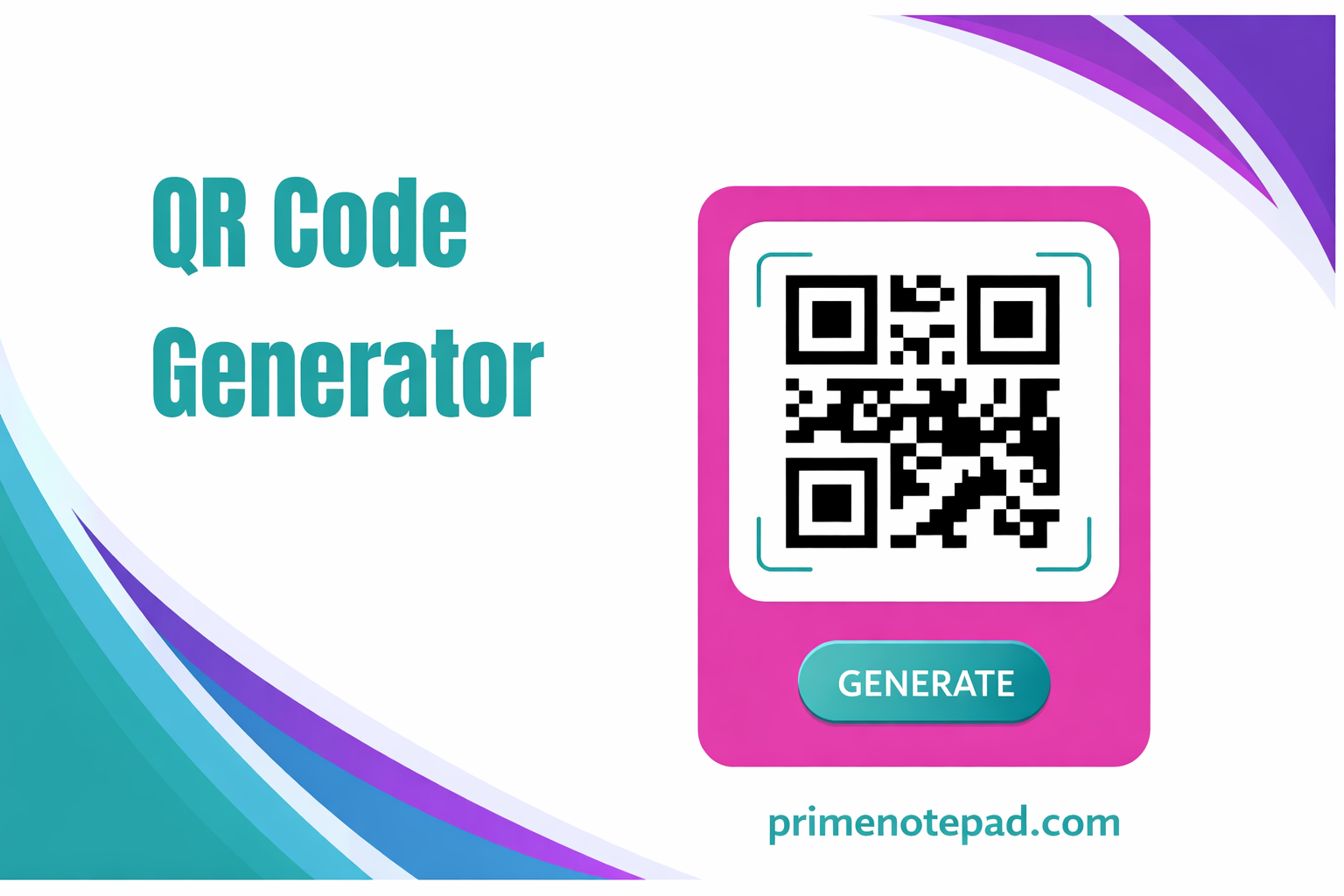
How to Use a Free QR Code Generator Online
Generating your own QR codes is easier than you might think. Here's a simple step-by-step
guide to creating a code using a free online QR code tool:
- Select the type of QR code you want to generate — this could be a URL, plain text,
email, phone number, SMS, or Wi-Fi access.
- Enter the required information, like your website address or contact details.
- Customize your QR code with the options available, such as size and error correction
for better scan reliability.
- Generate and download your QR code in your preferred format.
This process ensures you walk away with a high-quality, printing-ready code in seconds — and
best of all, it's all free.
Practical Uses of QR Codes
QR codes are more than trendy barcodes — they serve real-world needs across industries:
- Marketing and advertising: Drive traffic to your website or social media profiles with a simple scan.
- Networking: Share your business card or contact details at events without exchanging paper cards.
- Event management: Use QR codes for seamless ticketing and check-ins.
- Wi-Fi sharing: Let guests connect to your network without remembering passwords.
- Retail and packaging: Provide product details, user manuals, or promotional offers instantly.
Their versatility makes QR codes an essential tool for both digital and print media.
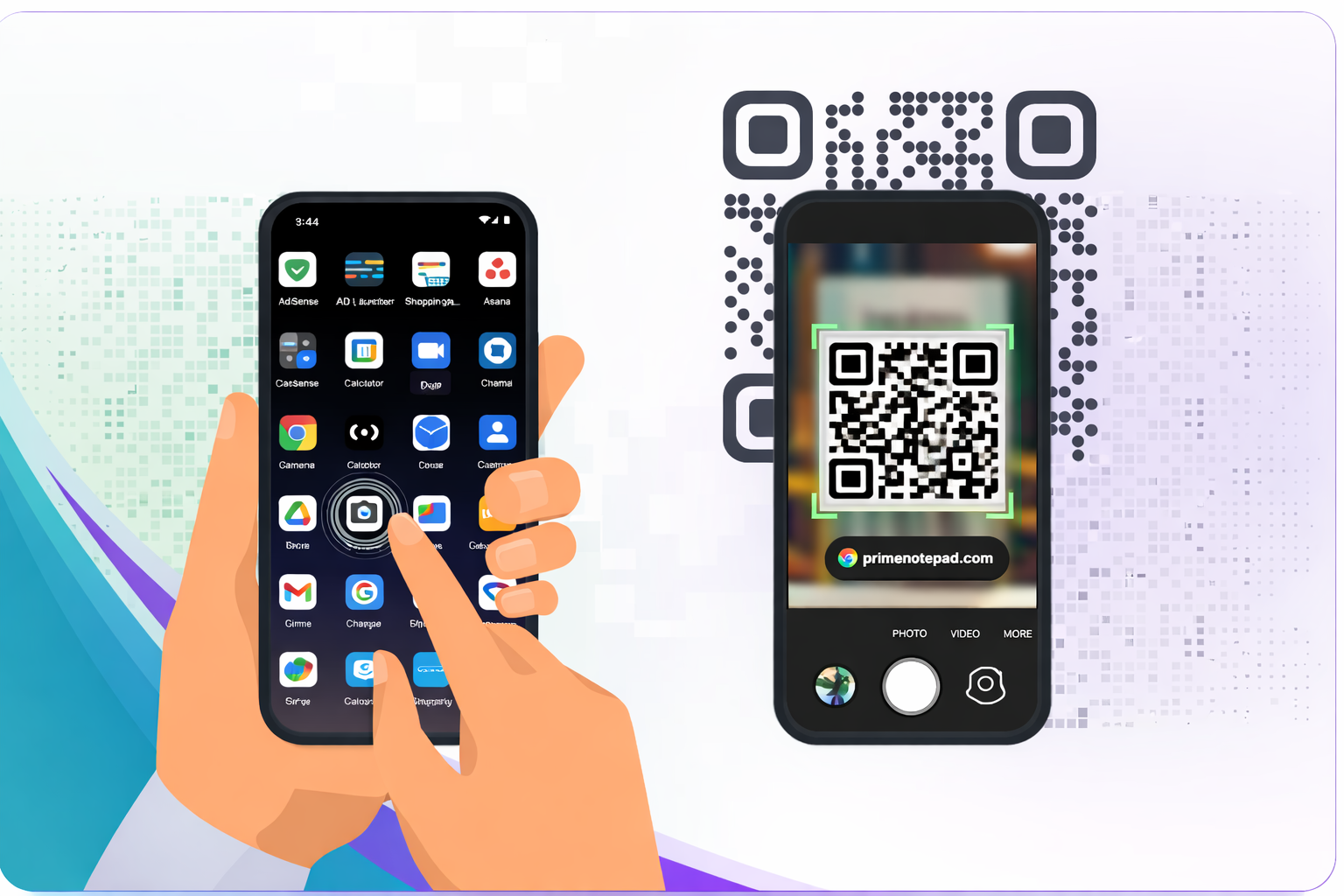
Tips for Effective QR Code Usage
To get the most out of your QR code generator output, consider these best practices:
PrimeNotepad
- Maintain high contrast between the QR code and background so scanners recognize the code easily.
- Ensure minimum sizing — especially for printed materials — so even small scanners can read the code.
- Test your code on multiple devices before final distribution.
These tips help avoid common scanning issues and improve the user experience.
Frequently Asked Questions (FAQs)
1. What is a QR Code Generator Online?
A QR Code Generator Online is a browser-based tool that converts URLs, text, contact details, emails, phone numbers, Wi-Fi details, or other information into a scannable QR code.
2. Is an online QR code generator free to use?
Yes, PrimeNotepad provides a free QR code generator that lets users create QR codes online without installing software or paying hidden charges.
3. What types of QR codes can I create?
You can create QR codes for website links, plain text, email, phone numbers, SMS, Wi-Fi access, business details, product pages, and other digital information.
4. Do I need to install an app to generate QR codes?
No, an online QR code generator works directly in your browser, so you can create and download QR codes from a desktop, tablet, or mobile device without installing anything.
5. Can I download and print my QR code?
Yes, once the QR code is generated, you can download it and use it on flyers, posters, product packaging, business cards, menus, labels, and other print or digital materials.
6. How can I make sure my QR code scans correctly?
Use high contrast colors, keep enough blank space around the code, choose a readable size for printing, and test the QR code on multiple devices before sharing it publicly.
7. Why should I use PrimeNotepad QR Code Generator?
PrimeNotepad QR Code Generator is simple, fast, free, and easy to use for creating scannable QR codes online for personal, business, marketing, and educational needs.
Final Thoughts
In an era where digital connectivity is key, using a reliable QR code generator can boost
engagement and streamline information sharing. Whether you need a simple URL code or want
to tailor designs for business use, a free QR code generator free online such as the one from
PrimeNotepad provides all the tools you need in one place. Embrace the power of QR codes
for your next project — fast, free, and without the hassle of complicated software. With a robust
qr generator at your fingertips, you can turn any information into a user-friendly experience in
just a few clicks.